You film.
Claude edits.
Drop your takes in a folder and type edit my video. About five minutes later you have a finished reel in your own style: your best take of every line, no ums, captions, B-roll, sound and three covers. You never open an editing app.
RAW TIME 12:26Twelve minutes of my rambling, cut to a 51-second reel.
Twelve minutes of raw takes became one 51-second reel. Every um, pause and bad take, gone.
From "edit my video" to a reel you can post. Editing one by hand can take two hours.
People commented EDIT on my first reels about it in two days, asking how I did it.
Watch it edit a real reel
This is the whole thing, start to finish, in the Claude app. Sped up only while it works.
- Type new videoA folder for the video opens, with a VO and a B-roll folder inside.
- Drop your clips inTalking takes in VO, your other shots in B-roll.
- Type edit my videoClaude picks your best takes, cuts the ums and builds the reel.
- Tap to change anythingA review panel opens next to the chat. Bigger captions, a different take, your notes.
- Version 2, ready to postIt lands in the video's Finished folder with three covers and your caption copied.
Reels it made. Nobody opened an editor.
Different creators, different looks, same three words. Each one picked the best takes, timed every caption to the voice and cut the B-roll in over the right line.
The edit you'd pay an editor for
Claude chooses where each one goes, so the reel feels designed, not busy.
Pick a look. Or bring your own.
Soft and warm, lowercase words and one handwritten line.
Big punchy words that pop on every beat.
Dark and cinematic, small caps and big serif words.
Show it a reel you love and it builds your look from it.
It also films in your language. Chinese, Thai and more come out as captions in that language.
Tap to change anything
- Cut a line, or swap in a different take.
- Fix any word in the captions.
- Move a B-roll shot, change the look, the colour, the caption size.
- Or just type a note like you would to an editor: captions bigger.
Press send, and version 2 comes back with your notes.
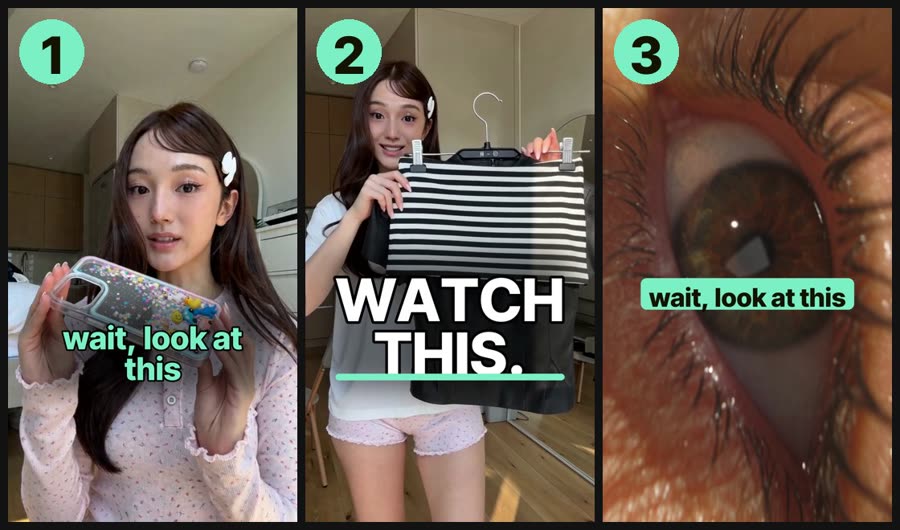
Three covers with every reel
Your hook on a clean frame, one big word, or a label on your best shot. Say 1, 2 or 3. The reel, covers and caption all land in the video's own Finished folder, ready to AirDrop to your phone.
Finish it in CapCut, every layer ready
Type give me the CapCut version. Captions, emoji, zooms, B-roll and sounds come in on their own layers, so you change one word or move one emoji and you're done.
What's inside
Best takes, no ums, captions timed to your voice, B-roll, sound, 3 covers, the caption copied.
Tap to cut, fix, move and restyle. Version 2 in minutes.
Cool girl, bold, cool dude, or one built from a reel you love.
Camera moves, emoji, stickers, mini screens, split screens.
For when you want to finish it yourself.
Writes your next script in your voice, with the shots to film.
New versions on your download page. Stuck? DM STUCK and we'll get you running.
pays for itself on your first reel ✶
Simple setup, private by design
Questions
Do I need to be technical?
No. You click four buttons once to open your folder in the Claude app, then you talk to it in plain words. No coding, no terminal, no editing app.
Will it look like me, or like everyone else?
Like you. At setup it learns your look, your colour and the words it must spell right. Show it a reel you love and it builds your own look from it.
Does it touch anything else on my Mac or phone?
No. Claude only uses the footage you put in your video's VO and B-roll folders. Your Photos, other files and phone stay untouched.
Do you see my videos?
No. Your clips are edited on your own Mac and never uploaded to us.
Can I film in Chinese, Thai or another language?
Yes. Tell Claude your language at setup and your captions come out in it.
Does it work on Windows?
Not yet. It's Mac only for now.
What if I get stuck?
Tell Claude "fix it". Still stuck? DM STUCK to @the.ai.bestie and we'll get you running.
Stop editing your own reels.
Not ready yet? Start with Script Bestie, free